Your QR Menu Is Live. Now What?
Many restaurants invest in a QR menu expecting the technology itself to improve operations. Well, it doesn’t.
A QR code is simply a gateway. The real value comes from how you use it.
The restaurants seeing the strongest results aren’t necessarily the ones with the newest technology, they’re the ones continuously optimizing the digital guest journey.
Because today’s QR menu is much more than a replacement for printed menus. It has become a sales channel, a marketing platform, a customer feedback tool, a loyalty engine, and an operational assistant sitting on every table.
Restaurants that actively leverage these capabilities typically achieve:
- Higher average order value through smarter upselling
- More repeat customers with built-in loyalty mechanics
- Better Google and TripAdvisor ratings
- Faster ordering and payment with less pressure on staff
- Higher profitability without increasing labor costs
If your Breeze ServUs deployment is already live, here are ten practical improvements you can implement today.
1. Make the First Scan Count
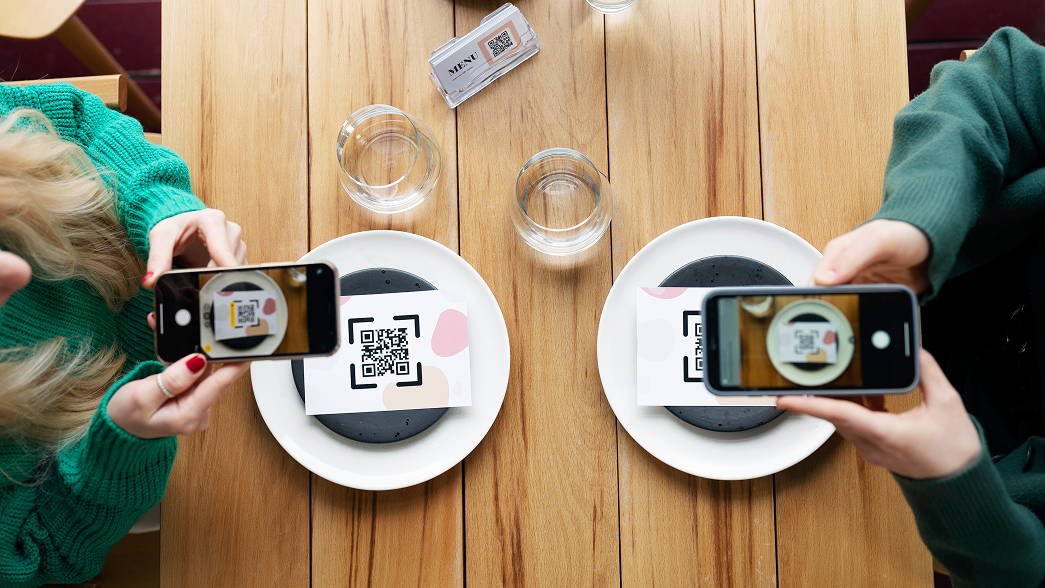
The guest journey begins the moment someone scans the QR code.
Many restaurants immediately display the menu, but introducing a simple JoinUs step creates a far better experience for groups.
Instead of one guest ordering for the entire table, every diner joins the session, browses independently, and places their own order.
The result is remarkably consistent: more drinks, more desserts, more add-ons, and fewer forgotten items.
Action checklist
- Enable the JoinUs modal.
- Use a simple call-to-action such as “Join your table and start ordering.”
- Clearly explain the benefit to guests.
- Keep the prompt visible before the menu opens.
2. Stop Discounting. Start Building Loyalty.
Discounts drive one transaction. Loyalty drives the next one.
Instead of giving guests 10% off today’s bill, reward them with points they can redeem on a future visit. 2 visits are better than just 1. The perceived value remains high while protecting your margins and encouraging repeat business.
Over time, this simple shift increases customer lifetime value instead of simply reducing today’s revenue.
Action checklist
- Activate points as a payment option.
- Replace discount campaigns with “Earn & Redeem” offers.
- Promote rewards directly inside the digital menu.
3. Increase Tips Digitally
Digital tipping removes the awkwardness from the payment process.
When guests are presented with predefined tip options during checkout, they are significantly more likely to reward excellent service.
This benefits both employees and the business by improving motivation, service quality, and overall transaction value.
Action checklist
- Enable digital tipping.
- Offer two or three predefined percentages: 5%, 10%, 15% tips, 40–60% of customers choose an option and average ticket increases without price changes.
- Keep tipping optional but clearly visible.
4. Capture Feedback Before It Becomes a One-Star Review
Every restaurant receives unhappy customers. The difference is where they express it.
Collecting feedback immediately after an order allows managers to identify service issues before they appear on Google or TripAdvisor. Private feedback creates an opportunity to recover the guest experience while improving internal operations.
Action checklist
- Enable post-order feedback.
- Keep the survey short (rating + optional comment).
- Trigger it automatically after the visit.
5. Turn Happy Guests into Your Best Marketing Team
Online reviews remain one of the strongest ranking signals for restaurants.
Instead of asking every customer to leave a review, create a smarter flow. Guests who rate their experience highly can be invited directly to Google or TripAdvisor, while dissatisfied guests are encouraged to leave private feedback instead.
It’s a simple approach that steadily improves online reputation while protecting your brand.
Action checklist
- Configure Google and TripAdvisor review links.
- Redirect only highly satisfied guests.
- Use a friendly prompt such as “Enjoyed your visit? Share your experience with others.”
6. Treat Your Digital Menu Like Your Best Salesperson
Menu engineering doesn’t stop at pricing. The way products are presented has a direct impact on purchasing decisions.
Guests naturally choose dishes that are easier to discover and more visually appealing. High-margin products should never be buried halfway down a category.
Instead, use images, featured sections, promotional banners, and smart product positioning to guide purchasing behavior.
Action checklist
- Highlight signature and premium dishes.
- Place high-margin items near the top.
- Add professional photography.
- Use visual sections and promotional tags.
7. Speed Up Payments with Scan & Pay
One of the longest waits during a restaurant visit often comes at the end.
Scan & Pay removes that friction by allowing guests to settle the bill directly from their phone.
For operators, the benefits extend far beyond convenience:
- Faster table turnover
- Shorter queues
- Better guest experience
- Increased seating capacity during busy periods
Action checklist
- Activate Scan & Pay.
- Verify all payment methods are working correctly.
- Train staff to recommend it during peak hours.
8. Turn Your QR Menu into an SEO Asset
Most restaurants overlook one powerful advantage of digital menus. Properly optimized, your Breeze ServUs menu can appear in Google search results, helping new guests discover your restaurant directly instead of through third-party delivery platforms.
That means more visibility, more direct traffic, and lower acquisition costs.
Action checklist
- Configure SEO titles and descriptions.
- Use relevant food and location keywords.
- Keep your menu updated with current products.
9. Use Digital Receipts to Stay Connected
A receipt doesn’t have to be the end of the customer journey.
Sending receipts by email creates a more professional experience while opening the door for future marketing, loyalty campaigns, and personalized communication.
Business travelers also appreciate the convenience of digital expense records.
Action checklist
- Enable email receipts.
- Collect customer email addresses during checkout.
- Customize the receipt template with your branding.
10. Unlock Additional Revenue with Hotel Mode
For hotels, flexibility creates more opportunities to sell.
Guests can choose between pickup and room service while operators configure delivery fees, ordering rules, and service charges that fit their business model.
The result is a smoother guest experience and higher food & beverage revenue with minimal operational effort.
Action checklist
- Activate Hotel Mode.
- Configure room service and pickup correctly.
- Add optional delivery or service charges where appropriate.
Your QR Menu Is a Business Growth Platform
The most successful Breeze ServUs customers think of their QR menu as an active part of their commercial strategy.
Every scan is an opportunity to increase basket size, every order is an opportunity to build loyalty, every payment is an opportunity to improve efficiency, while every visit is an opportunity to collect feedback and strengthen your online reputation.
Technology alone doesn’t drive restaurant growth. Using it strategically does.
If your Breeze ServUs deployment is already live, take a few minutes to review these ten recommendations with your team. Chances are you’re already using some, but activating the rest could unlock new revenue without adding staff or increasing operational complexity.