In a restaurant, stock changes with every goods receipt, transfer, dish sold or internal use. When these movements are tracked separately, managers struggle to see what is still available, what needs ordering and where stocktaking discrepancies come from.
KeepApp brings these operations into a stock management system connected to sales. Staff can track ingredients and products through the business, while managers can link purchasing, consumption and costs.
What is KeepApp
KeepApp is the Breeze solution for managing restaurant stock. It covers purchasing, goods receipts, transfers between stock locations, production, consumption and stocktaking. The resulting information supports cost monitoring and day-to-day organisation, including across multiple sites.
Integration with Breeze POS links sales to stock deductions. For the records to be useful, items, recipes and transactions need to be configured and recorded to reflect how the restaurant actually works.
Purchasing starts with requirements and suppliers
KeepApp can suggest purchase orders based on past consumption and flag when minimum stock levels are reached. This gives the stock manager a starting point for purchasing, rather than relying on memory alone.
Suggestions need to be considered alongside upcoming activity. A busy weekend or an event may require different quantities from those suggested by historical consumption. The system supports the decision; the team checks requirements before placing the order.
KeepApp stores supplier information on items, prices and orders. Fixed prices can be configured by item, site and supplier, with authorisation required to change the purchase price. Alerts can highlight price differences between the order and delivery, or an approaching contract expiry date.
From goods received to stock consumed
Goods receipts and transfers between stock locations
Goods receipts can be recorded against purchase orders. Staff can track receipt documents and prices while keeping a link to what was ordered. Checking the quantities actually delivered remains part of the receiving process.
KeepApp also includes invoice import from SPV, Romania’s tax authority portal, to bring documents into the stock management system.
When goods move from the storeroom to the kitchen or bar, a stock transfer records the movement. Quantities need to be posted to the appropriate stock locations so that stock can be tracked separately for each one.
Production, sales and internal consumption
In the kitchen, some ingredients are turned into intermediate preparations or other items held in stock. KeepApp supports recipe-based production, cutting and portioning, and product transformations so these operations are reflected in stock records.
POS sales can automatically generate consumption records and stock deductions. Consumption unrelated to a sale can be recorded separately through consumption documents organised by cost group.
Hypothetical example: the kitchen prepares a sauce used in several dishes. Recording production and using the configured recipes helps staff track both the ingredients and the prepared sauce. If the recipe or quantities used differ from those in the system, the records need updating; automation cannot replace accurate transaction recording.
Stocktaking reveals the gap between records and reality
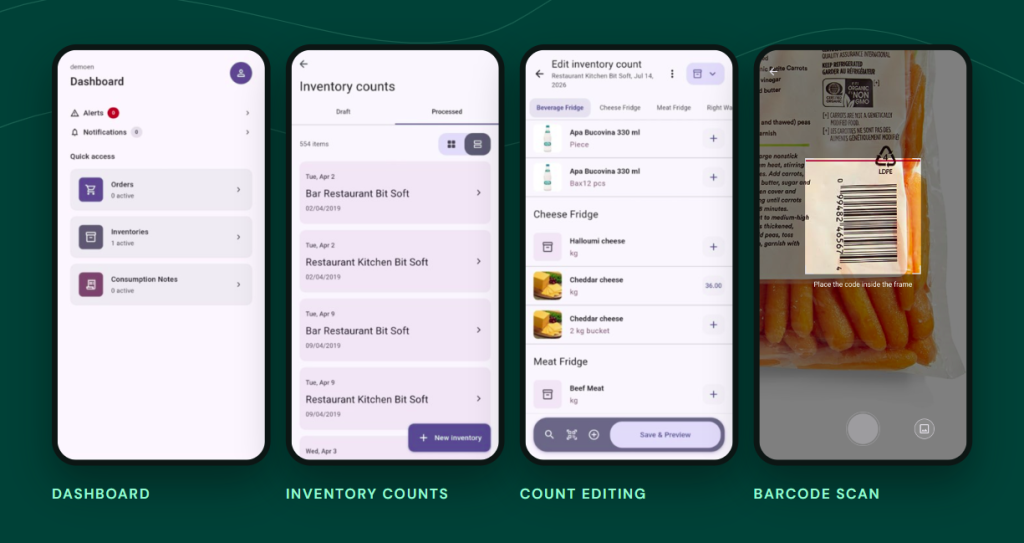
KeepApp supports full or partial stocktakes by stock location. Staff enter the quantities physically counted and compare them with book stock, meaning the quantities recorded in the system. Discrepancies are shown in the stocktake report.
A discrepancy alone does not explain its cause. Managers can review recorded receipts, transfers, recipes and consumption to understand what needs correcting. Stocktaking complements daily record-keeping rather than replacing it.
KeepApp is now available on mobile and tablet
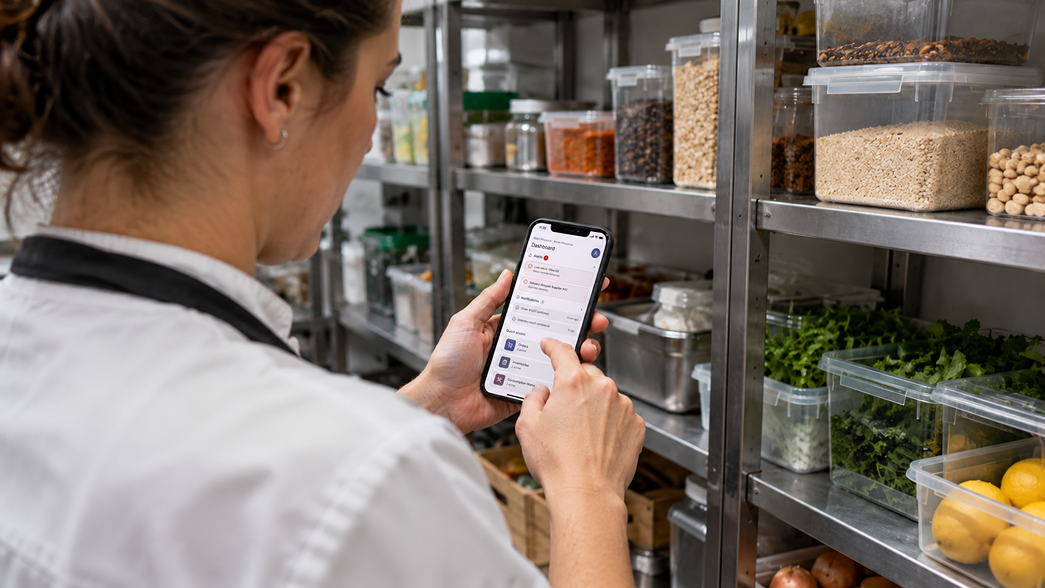
KeepApp now also has a version for smartphones and tablets. The mobile app lets staff check current stock, work with the site’s stocktake and enter quantities. Predefined lists and favourite items help them find the products they need to count.
For stock managers, this can shorten the gap between counting products and recording the results. Quantities still need to be checked and entered in the correct units of measure. The mobile version complements the site’s stock management workflow.
Information managers can use
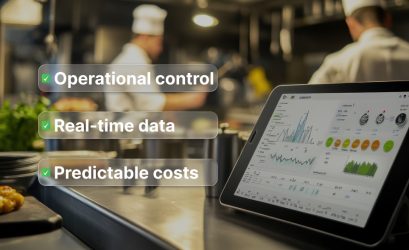
KeepApp shows the costs associated with sales by product and profit centre. Reports and alerts can help managers spot differences between estimated and actual costs, or changes in purchase prices. This information is useful when reviewing purchasing, recipes and how consumption is managed.
The solution also tracks invoices, payments and supplier balances. For restaurants hosting events, a dedicated workflow links the proposed menu to ingredient requirements. The nutrient, additive and allergen module complements recipe management using the data entered and kept up to date.
KeepApp gives restaurants a shared set of records for purchasing, stock and consumption, with access on smartphones and tablets. Configured around the site’s operation, it can help staff keep a clearer view of goods and costs. Request a KeepApp demo for your restaurant.
Take greater control of your restaurant’s stock
With KeepApp, you connect purchasing, stock and consumption in one system and have the information you need to monitor costs. The mobile and tablet version brings stock checks and stocktaking closer to where your team works.
Request a KeepApp quote tailored to your restaurant and find out how the solution can be configured for one site or several.