
How Operational Technology Helps Restaurants Improve Profitability

The most effective technology solutions in the HoReCa sector are those that can scale alongside the business, from a single independent restaurant to multiple centrally managed locations. Scalability matters less as a promise and more as a daily practice: the ability to maintain control as volume, teams, and operational complexity grow.

In recent years, a significant number of restaurants have exited the market permanently. The pandemic was only the trigger; the real pressure came from rising costs, instability, and a lack of visibility. In Romania, many HoReCa businesses face the same obstacles: fragmented workflows, decisions made “on the fly,” and tools that do not communicate with each other. Operators who managed to adapt did so by changing how they run their operations, not just their menus or pricing.

Profitability essentially moves along two axes: higher revenues or better-controlled expenses. Increasing sales helps, but it does not solve structural issues on its own. Often, margins are lost in the details: poorly tracked inventory, inefficient scheduling, and a lack of clear data. Restaurant management is influenced by ingredient costs, staff scheduling practices, location, and the broader economic context. The commonly cited industry formula: 30% food cost, 30% labor, 30% other expenses, 10% profit, shows just how little room there is for error.

Against this backdrop, modern restaurant management solutions have evolved rapidly. We are no longer talking about isolated applications, but about platforms designed specifically for the pace and realities of the HoReCa industry. A restaurant management system built exclusively for restaurants delivers operational consistency where generic tools provide only disconnected reports. This consistency can be maintained whether operating a single location or multiple outlets.

Running a restaurant is not just about keeping things moving day to day. It means understanding where profit is leaking and where it can be recovered. The examples below illustrate how the right technology can support this level of clarity.

Cloud-Based Operational Systems

Restaurants that still rely on a local POS system installed on a single computer work with delayed information. A cloud-based POS system for restaurants centralizes data and makes it accessible in real time. This fundamentally changes restaurant management, from sales and inventory to daily reporting.

A modern restaurant POS system can send orders directly from the dining area to the kitchen, reduce waiting times, and improve table turnover. Platforms developed exclusively for HoReCa, such as Breeze, focus on stability and operational visibility, not just payment processing.

Better Control Over Labor Costs

Labor expenses are high, but they can be optimized with the right data and tools. HoReCa-focused technology enables more precise staff scheduling, aligned with actual sales and productivity targets.

A restaurant management solution that includes workforce planning helps managers avoid unnecessary overlaps and unproductive hours. Employee apps centralize shift requests, swaps, and internal communication, reducing daily friction.

Data-Driven Forecasting, Not Intuition

Forecasting is one of the most underestimated components of restaurant management. When analyzed correctly, historical data provides valuable insights into what lies ahead. Managers working with up-to-date reports can make faster, better-informed decisions.

In reality, sales will never perfectly follow a forecast. That is why combining managerial experience with data provided by restaurant management software is essential. Real-time adjustments, breaks, shortening or extending shifts, help keep costs close to optimal levels.

Digital Team Scheduling

Manual shift planning is time-consuming and prone to errors. A digital restaurant management system allows schedules to be created quickly and adjusted based on demand.

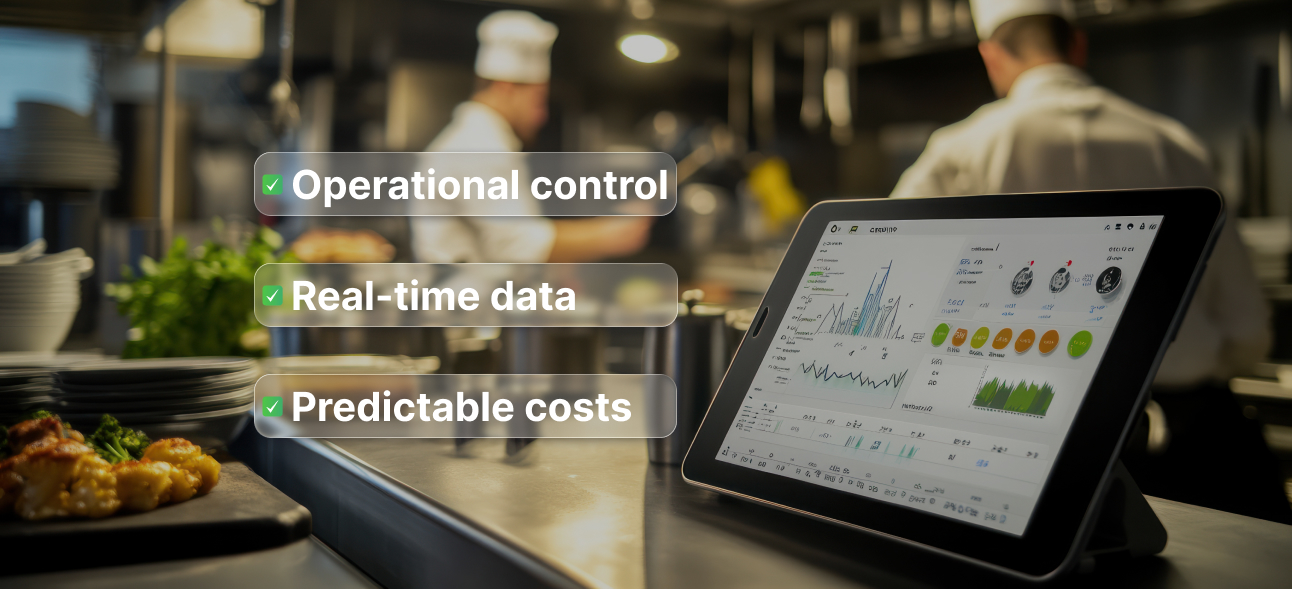
A centralized dashboard provides a clear overview of labor costs, while restaurant management software can flag overruns, overtime, or discrepancies between planned and actual figures. As a result, decisions become informed rather than reactive.

Menus Built for Profit, Not Just Popularity

A balanced menu is not based solely on what sells well, but on what truly contributes to profit. Menu engineering becomes far more effective when data is collected automatically through an integrated restaurant system.

Detailed analytics show not only which items sell, but under what conditions and with what impact on margins. For these insights to be relevant, restaurant management must provide accurate data on costs and volumes.

Technology Focused on the Guest Experience

Customers expect simple, consistent interactions. Restaurants that fail to keep up risk losing visit frequency and customer loyalty.

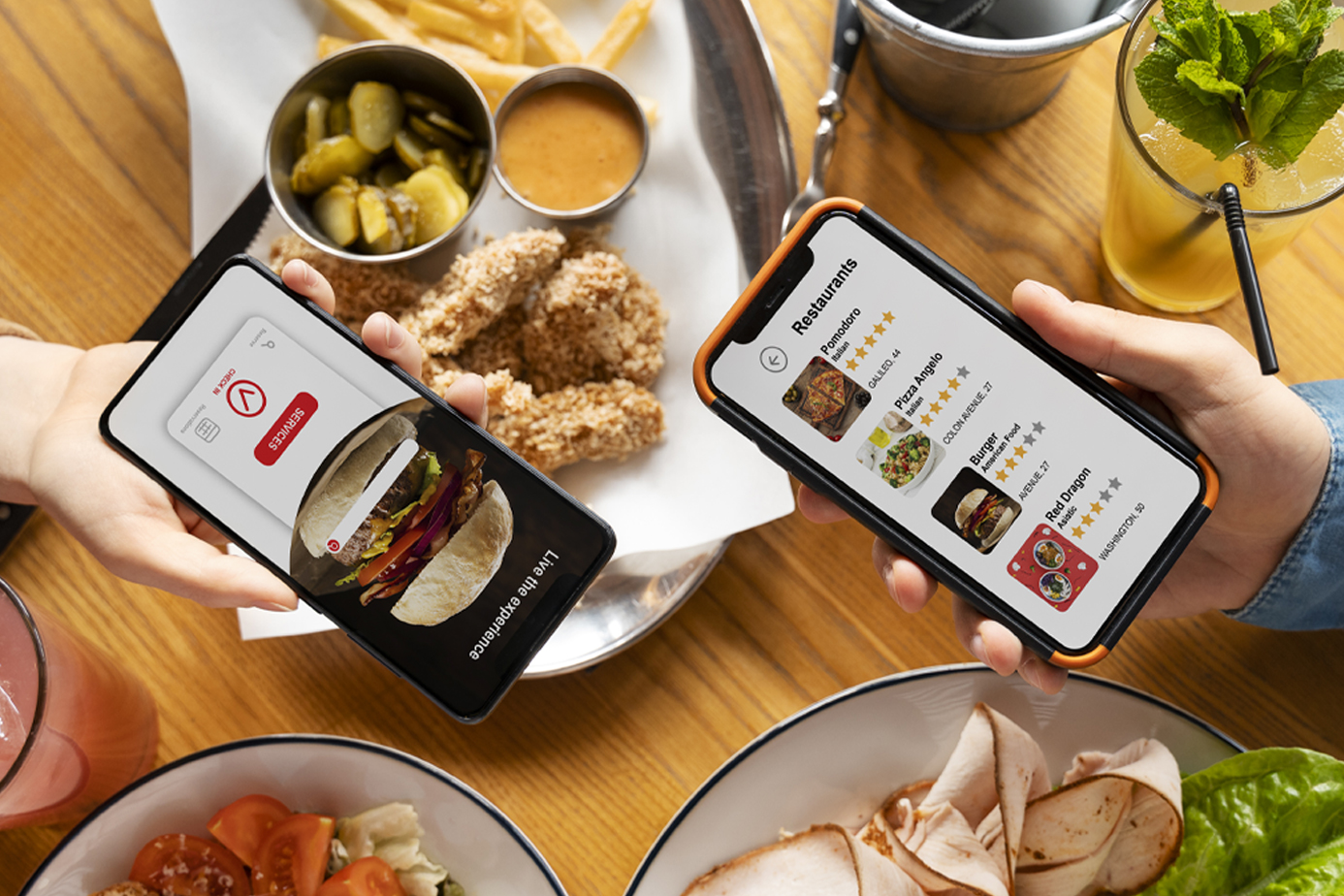
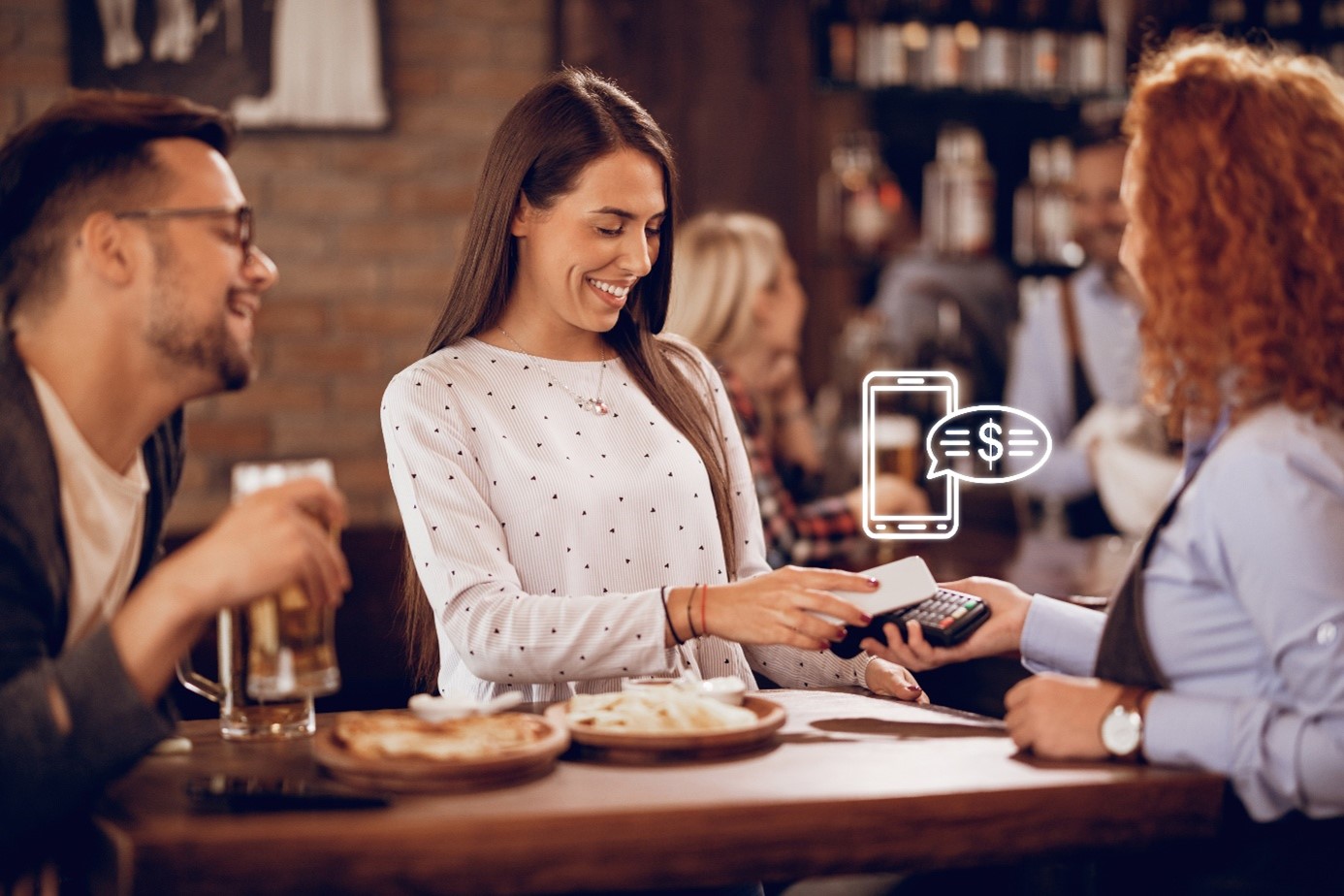
Contactless payments, digital menus, and mobile ordering are easier to implement when supported by a solid restaurant POS system. These features add value without complicating back-of-house operations.

Employee Retention as an Operational Challenge

Staff turnover is costly. Digital tools designed for teams can improve communication and foster a sense of belonging.

An internal channel integrated into the restaurant management system enables fast information sharing and performance recognition. Given the constant use of smartphones, these solutions feel natural for HoReCa teams.

Technology continues to evolve, and its impact on profitability is becoming increasingly visible. Whether it is a free restaurant management tool, useful as a starting point but limited, or a comprehensive software solution, or a mature restaurant POS system, the real difference lies in control, stability, and the ability to make data-driven decisions.

Breeze Platform – Latest Updates – Smarter, Faster, and More Engaging Orders

🌟 Discover what’s new in version 2.1

We are excited to announce the release of Breeze Platform version 2.1 — packed with new features that make online ordering and dine-in (ServUs) experiences smoother, smarter, and more personalized.

Whether your guests order from home or directly at the table, these updates help you serve them faster, deliver a better experience, and grow your business with confidence.

🍔 What’s New for eCommerce (Online Ordering)

Smarter recommendations – Complementary products are displayed directly on the product page, increasing average order value with no extra effort.

Vouchers before delivery selection – Customers can apply discount vouchers before choosing the delivery method, creating a simpler and more attractive experience.

Faster ordering flow – The “Add to cart” button is now always visible across all product tabs, streamlining the ordering process.

Automatic deposit (DRS) selection – If a product includes a deposit fee, it is automatically selected.

Multilingual legal pages – Terms & Conditions, Privacy Policy, and GDPR pages are now available in multiple languages.

Flexible pickup time slots – Pickup intervals of 10, 15, 30, or 60 minutes can be configured.

Discount restrictions – Products or product groups can be configured to block voucher-based discounts.

Payment token validity – Saved payment cards now display token validity, showing how long a card can be used.

Advanced search functionality – Search results are ordered by product name, description, category, and SEO keywords.

🍽️ What’s New for ServUs (Dine-In Ordering)

Future orders – Guests can place dine-in orders in advance.

Item grouping at checkout – Products can be grouped by category (Sale Itemizers) on the checkout page, improving clarity and reporting.

Smart filtering for future orders – Products available for advance orders are automatically filtered based on pricing and availability rules.

Future order limits – You can set how many days in advance guests are allowed to place orders.

Feedback pop-up – When scanning the QR code again, guests are invited to leave feedback on their previous order.

Order cancellation – Orders can be canceled as long as preparation has not started (requires KDS usage in the kitchen).

Simplified confirmation page – Allows removal of the location ID and displays only the last three digits of the order number.

My Orders on the homepage – Active orders are displayed directly on the main page.

Acceptance of terms of use – Option to require users to accept GDPR and Privacy Policy when accessing the application.

Menu preview – Guests can view the menu up to seven days in advance, without the ability to place orders.

⚙️ Why Does It Matter?

These improvements reflect our commitment to making restaurant operations more efficient while delivering a modern, consistent, and enjoyable guest experience.

Version 2.1 is now available — bringing smarter recommendations, faster processes, multilingual support, and improved customer engagement tools.

Discover the new features and contact your BitSoft account manager or support team to activate them!

ServUs – The Smart Way to Pay in HoReCa

Developed by Bit Soft, ServUs is not just another ordering app — it is a next-generation tool designed to make the payment experience in restaurants and hotels smooth, flexible, and guest-centric.

While it offers full functionality for placing orders, its payment capabilities truly stand out, providing both guests and venues with unprecedented control and convenience.

The Advantages of ServUs Payment Options – Flexible and Built for Real-Life Scenarios

1. Scan & Pay – Even Without Ordering

With ServUs, guests are not required to place orders through the app in order to use the payment feature. They can simply scan the QR code and pay their bill, even if they ordered through a waiter or at the counter.
This makes ServUs a versatile solution that integrates seamlessly with traditional service models while still delivering digital convenience.

Benefits for restaurants:

  • No waiting for the bill.
  • Works even for tables served entirely by staff.
  • Gives tech-savvy guests the freedom to manage payment independently.

2. Bill Splitting Made Easy

No awkward calculations at the end of the meal. ServUs allows guests to pay exactly for what they consumed:

  • Select specific items to pay for (e.g. “I only had the pasta and a soft drink”).
  • Split by person — each guest pays their share independently.
  • Flexible bill management for shared tables or large groups.

Benefits for restaurants:

  • No confusion about who pays what.
  • Faster payment processing at busy tables.
  • Increased customer satisfaction by removing payment friction.

3. Fully Configurable Payment Timing: Per Shift, Upfront, or at the End

Restaurants can customize how and when payments are handled through ServUs, depending on their service style or event type:

  • Per-shift configuration – guests can place multiple orders and pay everything at the end.
  • Upfront payment mode – payment is required before an order is sent to the kitchen.
  • Mixed flexibility – different payment rules can be applied based on time of day or customer profiles.

Benefits for restaurants:

  • Full control over the payment flow.
  • Prevents unpaid or abandoned orders.
  • Supports a wide range of dining experiences — from formal dinners to beachside cocktails.

Why ServUs Matters for Guests

  • Speed and convenience – no waiting for the bill, no confusion with group payments.
  • Autonomy – full control over what they pay and when.
  • Modern experience – a digital journey aligned with today’s expectations.

Why ServUs Matters for Restaurants

  • Efficiency – reduces staff workload and accelerates table turnover.
  • Versatility – adapts easily to different business models and guest needs.
  • Accuracy – minimizes billing errors and payment disputes.

ServUs is not just an ordering tool — it is a complete payment engine designed for modern hospitality.

Whether it’s fast-paced coffee service, group dinners, or hotel room service, ServUs empowers both guests and venues to focus on what truly matters: outstanding service and memorable experiences.

How to choose the best POS System for your restaurant

Several industry studies in the HoReCa sector have shown that a high-performance POS terminal reduces payment errors, speeds up the checkout process, and provides customers with a more pleasant experience at the end of their meal.

As a result, a POS is no longer just a device for swiping cards—it has become a reliable tool that helps modernize payment methods and make the checkout process faster, safer, and more professional.

Want to learn how to choose a POS system that truly makes a difference in your restaurant? If so, keep reading.

What Is a POS System and How Does It Help?

A POS (Point of Sale) system is a device that allows you to accept card payments directly in your restaurant. In practice, it is the terminal you hand to customers when they want to pay by card or mobile phone, with all transactions being transferred directly to your business account.

A POS system is increasingly important because more and more customers prefer cashless payments. Card payments are also faster and more secure, eliminating the risk of counterfeit cash or incorrect change. Most banks offer POS terminals that accept all major card types (Visa, Mastercard, etc.), as well as contactless payments via mobile phones or smartwatches.

Beyond customer convenience, a POS system also benefits you as a business owner: it provides better control over revenue, clear financial reports, and reduces the risk of cash-related losses.

Essential Factors to Consider

Choosing a POS system for restaurant payments should not be done randomly. Although many terminals may seem similar at first glance, there are several important factors to consider—from available features and costs to how easy the system is for staff to use.

Let’s look at each of them.

Features

Ideally, a POS system should support all payment methods: physical cards, contactless payments, mobile phones, and smartwatches. It is also important to check whether the POS can issue fiscal receipts directly or easily connect to your cash register or restaurant management system.

Some banks offer terminals with additional features, such as sending receipts by email or integrating with accounting software. For this reason, it’s a good idea to request and compare offers from multiple providers before making a decision.

Costs

Typically, there are several types of costs to consider: a monthly rental fee for the device, a commission charged per transaction, and potential installation or maintenance fees.

Compare available offers carefully, as cost differences can be significant. For example, a transaction fee of 0.9% versus 1.5% may seem small at first, but over time—especially with high sales volumes—it can have a noticeable impact on your profit margins.

Ease of Use

A good POS system must be easy to use for both employees and customers. If processing a payment takes too long or the terminal interface is complicated, service slows down and customers may become impatient.

Ideally, you should choose a POS terminal with an intuitive touchscreen, clear menus, and easily accessible functions.

Types of POS Terminals Available in Romania

In Romania, whether you operate a table-service restaurant or a quick-service establishment, you can choose from several types of POS terminals, each with its own advantages.

Traditional bank POS terminals

Provided directly by major banks, often as part of HoReCa-specific packages:

  • Banca Transilvania – mobile POS terminals with SIM cards, ideal for terraces and delivery.
  • ING Bank – smart POS terminals capable of sending receipts via email or SMS.
  • Raiffeisen Bank – terminals compatible with all card types and holiday vouchers.
  • BRD and BCR – classic POS terminals focused on reliability and fast technical support.

Independent “all-in-one” POS solutions

Not tied to a specific bank and available for online purchase:

  • SumUp – very popular among small businesses thanks to fixed costs and quick setup.
  • myPOS – ideal for businesses that require maximum mobility (deliveries, food trucks), with fast fund transfers.

POS systems integrated with restaurant management software

For restaurants using full management software (orders, inventory, reporting):

Many solutions (e.g. Alegro, GeniusPOS, Zanzibar) offer direct POS integration, allowing payments to be automatically recorded in the system.

Recommendations by Restaurant Type

Not all restaurants have the same needs, so the ideal POS system will vary depending on the business model.

Quick-Service Restaurants

For fast food, food courts, or street food concepts, speed is critical.

Recommended features:

  • Mobile POS with 4G or Wi-Fi connectivity, easy to move between multiple points of sale.
  • Mandatory support for contactless payments, as most customers prefer paying by phone or smartwatch.
  • Ideally, a POS integrated directly with the cash register or a fast-ordering system.
  • Low transaction fees, especially if you process a high volume of small-value payments.

Table-Service Restaurants

Here, customer experience matters more than pure speed.

What to look for:

  • Portable POS terminals with large touchscreen displays.
  • Bill-splitting functionality, especially useful for groups.
  • Ability to send receipts by email or SMS to reduce paper usage.
  • Fast technical support from the bank, as a failure during peak hours can lead to dissatisfied customers.

Hotel Restaurants

In this case, the POS system must communicate with the hotel’s PMS (Property Management System).

Key requirements:

  • Integration with the PMS to charge bills directly to guest rooms.
  • Support for multiple payment methods—cards, vouchers, and corporate accounts.
  • Detailed reports clearly separating restaurant, bar, and room service sales.
  • Bilingual interface and receipts, especially important when serving international guests.

Ultimately, choosing the right POS system depends on the size of your restaurant, the number of daily transactions, and the additional features you need.

Why Restaurants Should Adopt Self-Service Kiosks

The hospitality industry is evolving rapidly, and digitalization has become essential to meeting the expectations of modern customers. One effective and innovative solution is the use of self-service ordering kiosks.
Among the most advanced solutions in this area is “Kiosk by Breeze”, a system designed to optimize both customer experience and restaurant efficiency.

What Is a Self-Service Ordering Kiosk?

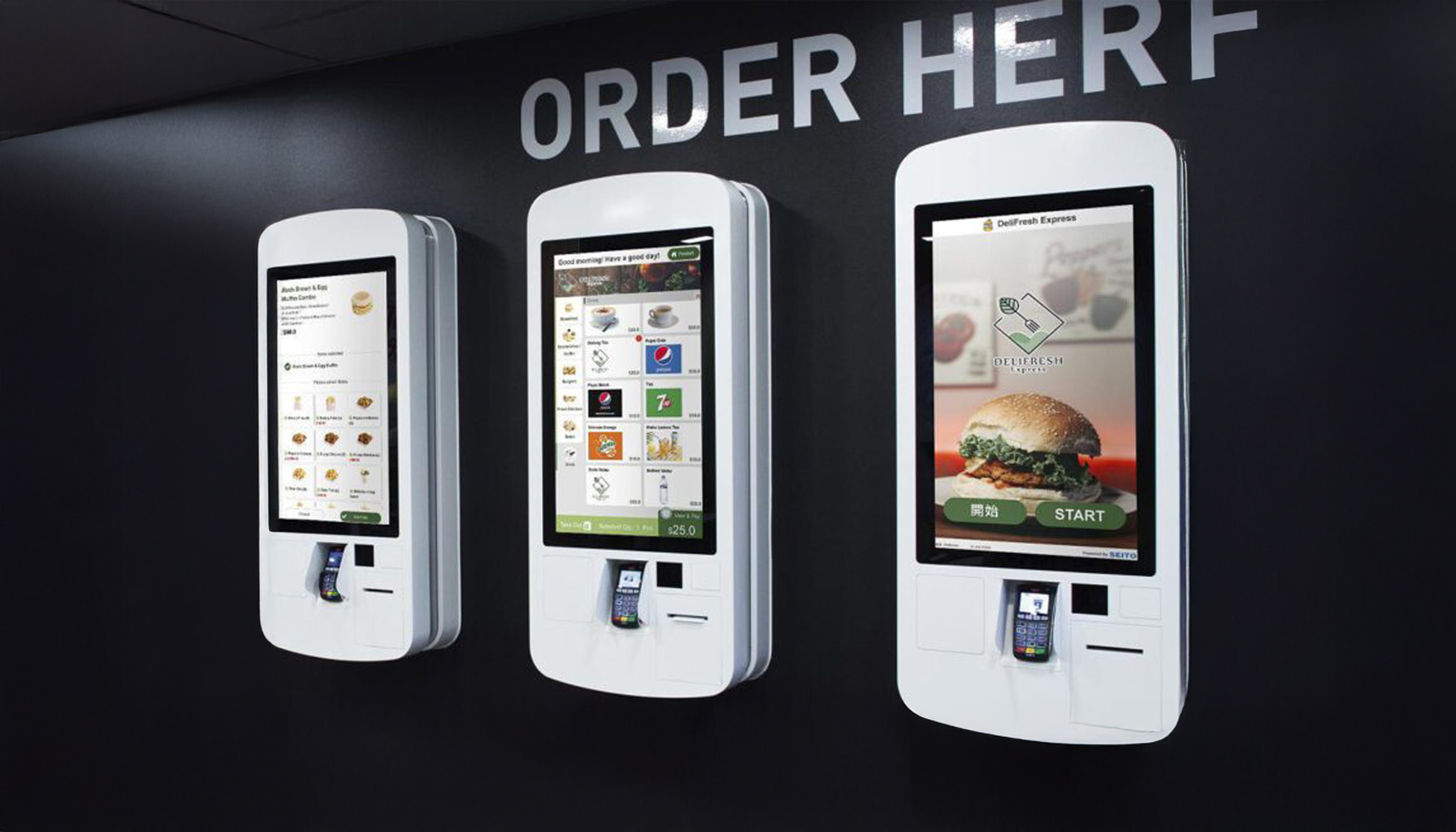
A kiosk is an interactive digital device that allows customers to place orders without going through a cashier.
It displays the menu in an attractive and easy-to-use format, offering a fast and pleasant ordering experience.

The Benefits of Using Self-Service Kiosks in Restaurants

Using self-service ordering kiosks brings multiple benefits for both customers and restaurant operations. These modern devices reduce waiting times, allow order customization, and minimize human error, delivering a more efficient and enjoyable experience.

In addition, kiosks can increase average order value through intelligent upselling and cross-selling suggestions. For restaurants, they streamline workflows, reduce pressure on staff, and allow resources to be redirected toward essential services—resulting in more efficient and profitable operations.

Key Benefits

Reduced waiting times

Kiosks send orders directly to the kitchen, eliminating long queues. This allows staff to focus on other important tasks, such as food preparation.

Increased average order value

Kiosks are designed to suggest additional products using upsell and cross-sell techniques, increasing the value of each order. For example, customers may be encouraged to add a side dish or a drink.

Interactive menu presentation

Customers can view the full product offering, ingredients, and customize how their food is prepared. This functionality increases customer satisfaction and loyalty.

Improved operational efficiency

Automating the ordering process enables restaurants to better manage workflows and optimize human resources, reducing operational costs.

Customer behavior data

Kiosks collect data on consumption trends and customer preferences, allowing managers to make data-driven decisions and adapt their sales strategies.

Full kitchen integration

The “Kiosk” system sends orders directly to the POS, the Kitchen Display System (KDS), and the order status board, where customers can transparently track the progress of their orders.

Multilingual support

Kiosks can be configured in multiple languages, removing language barriers for international customers and providing an accessible experience for everyone.

Increased customer satisfaction

In today’s digital era, customers are more comfortable with new technologies. Kiosks offer a fast and efficient experience, contributing to higher customer satisfaction and loyalty.

How Do Kiosks Contribute to the Future of Restaurants?

Adopting digital technologies such as “Kiosk by BitSoft” is not just a step toward modernization—it is a necessity for staying competitive in an industry that is constantly changing.

By reducing waiting times, increasing sales, and delivering personalized experiences, kiosks can fundamentally transform how restaurants interact with their customers.

The kiosk solution provided by BitSoft offers full integration between the kiosk, the POS system, the kitchen display, and the completed orders board. This integration optimizes workflows and minimizes delays, ensuring a fast and efficient customer experience.

In conclusion, implementing a self-service ordering kiosk is a smart investment for any restaurant looking to optimize operations, increase profitability, and deliver a memorable customer experience.

The Importance of Using Restaurant Management Software

Running a business in the HoReCa industry, such as a restaurant, is a constant challenge. Beyond delivering an outstanding dining experience, efficiently managing internal operations can make the difference between growth and stagnation.

A well-implemented restaurant management software solution becomes an essential component for optimizing workflows, increasing profitability, and delivering a seamless customer experience.

Key Benefits of Restaurant Management Software

Operational optimization

Restaurant management software ensures better organization of internal processes, from order taking to inventory management. It reduces human error, speeds up operations, and improves overall efficiency.

Increased profitability

Through features such as predictive recommendations, upselling tools, and promotion management, modern software solutions help increase sales and attract loyal customers.

Simplified management

Management software allows operations to be configured and monitored centrally, whether for a single restaurant or a multi-location chain.

Cost reduction

Implementing an efficient software solution reduces losses caused by poor inventory control or incorrect orders, improving overall business performance.

Improved customer experience

Effective restaurant management software enables staff to focus more on guest interactions. Reduced waiting times and faster, more accurate service lead to higher customer satisfaction and stronger loyalty.

Scalability and adaptability

As your business grows, restaurant management software can easily adapt to new requirements—whether adding new locations or integrating advanced features.

Breeze – An Excellent Restaurant Management Software Solution

An excellent example of restaurant management software is Breeze, designed and developed by BitSoft.
Breeze is an advanced tool that combines essential restaurant management features with an intuitive and easy-to-use interface.

Key Benefits of Breeze

Flexibility and mobility

Mobile applications optimize service times and increase table turnover, enhancing the overall guest experience.

Intuitive and easy to use

With a training time of just 30 minutes, staff can quickly adopt the system without additional training costs.

Increased sales

Breeze provides predictive recommendations, predefined ordering flows, and upsell options that increase average order value.

Multi-location support

Thanks to advanced centralized configuration features, Breeze is ideal for both single-location restaurants and multi-unit chains.

Breeze Is Suitable For:

  • Restaurants of any size
  • Independent cafés or café chains
  • Fast-food outlets, pubs, and bars
  • Any other hospitality business

Choose the right solution for your business and turn your restaurant into a favorite destination for your customers!

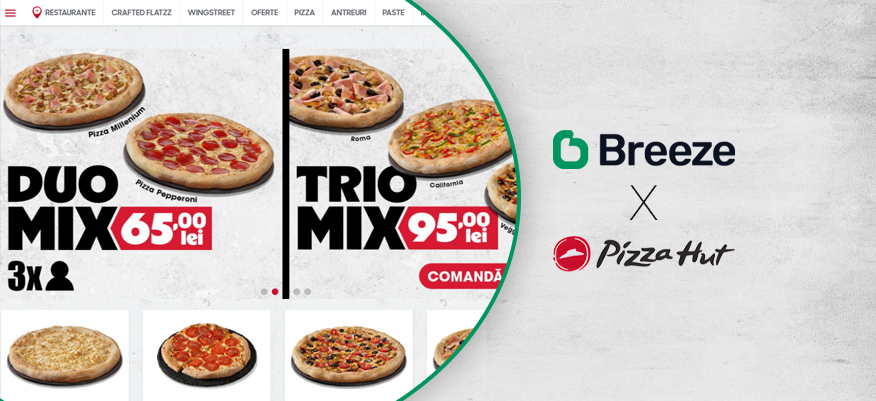
The New Pizza Hut Delivery Platform and Online Order Optimization with Breeze

Pizza Hut continues its digital transformation strategy by constantly evolving its online ordering channels, updating both its mobile application and the Pizza Hut Delivery platform.

The new versions are built on Breeze, a solution dedicated to the HoReCa industry, developed by Bit Soft, with a strong focus on speed, clarity, and ease of use.

The New Pizza Hut Delivery Platform – Fast and Intuitive Online Ordering

These updates are designed to respond to changing consumer behavior in the HoReCa industry, offering customers a smoother ordering experience, whether they use the mobile app or the online platform.

Currently, orders generated through digital channels—the mobile app and the online platform—account for approximately 30% of the brand’s total sales. This share is supported by continuous investments in technology and ongoing optimization of digital processes.

“Pizza Hut is a brand that has continuously reinvented itself on the local market since 1994. Over more than three decades, we have consistently adapted to consumer needs. In our effort to deliver the best products and services, tailored to our customers’ expectations, we aim to combine our passion for food with innovation and the latest digital solutions. Together with our partners at Bit Soft, we are pleased to present consumers with the updated versions of our online ordering platform and mobile app, which will undoubtedly meet their expectations,” said Adrian Hulubescu, General Manager of Pizza Hut Romania.

An Integrated Digital Ecosystem for Operational Efficiency

From an operational perspective, Pizza Hut uses an integrated digital ecosystem that includes, in addition to the Breeze-powered e-commerce platform and mobile application, solutions such as KeepApp, Kiosk, and ServUs.
Together, these solutions support a coherent omnichannel experience for both customers and restaurant teams.

“We are pleased to have Pizza Hut as a trusted partner since 2007, a brand deeply focused on the needs of its customers. The HoReCa industry is constantly evolving, bringing with it a new consumer profile—one that is increasingly oriented toward fast and intuitive ordering flows. One key performance indicator that strongly influences the final purchasing decision is the actual time spent on the platform to place a food order,” said Bogdan Stanciu, CEO of Bit Soft Group.

An Optimized Ordering Experience

The new versions of the online ordering platform and mobile application (available on both Android and iOS) are designed to reduce friction throughout the ordering process and provide a clearer, more predictable user journey.

Key features contributing to this experience include:

  • a simplified ordering flow, easy to follow from product selection to order completion;
  • customer-centric options, including the ability to schedule orders for a later time;
  • a modern interface optimized for smartphone usage;
  • automatic order redirection between locations based on delivery areas, including in exceptional situations;
  • flexible promotion and offer configuration, ranging from daily discounts to “buy one, get one free” mechanisms.

The partnership between Pizza Hut and Bit Soft began in 2007, with the opening of the first Pizza Hut Delivery restaurant in Romania. Since then, the collaboration has evolved continuously, and at that time Pizza Hut operated 18 delivery centers nationwide.